


Everything you need to know

Reservations are recommended, but walk-ins are welcome based on availability.
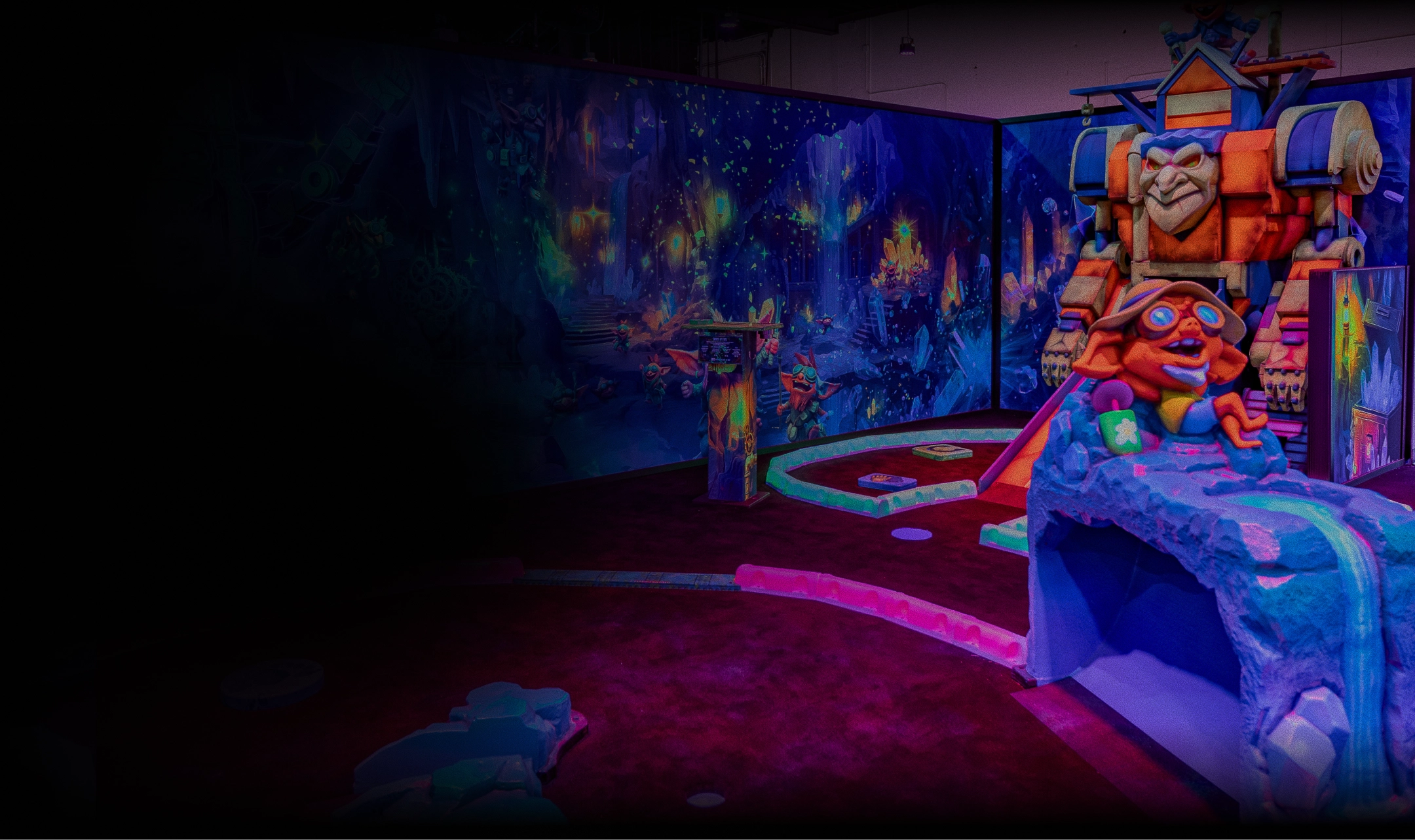
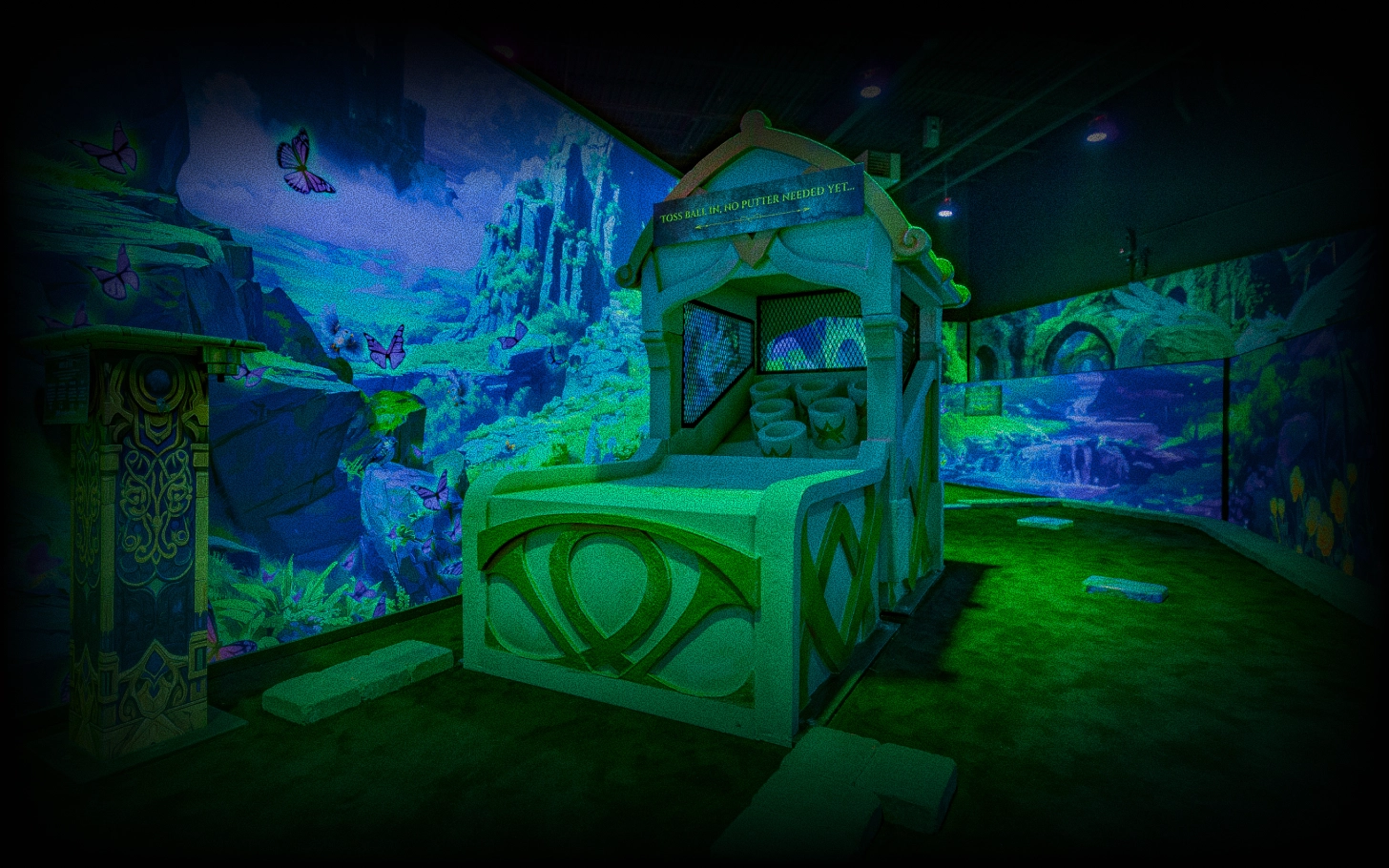
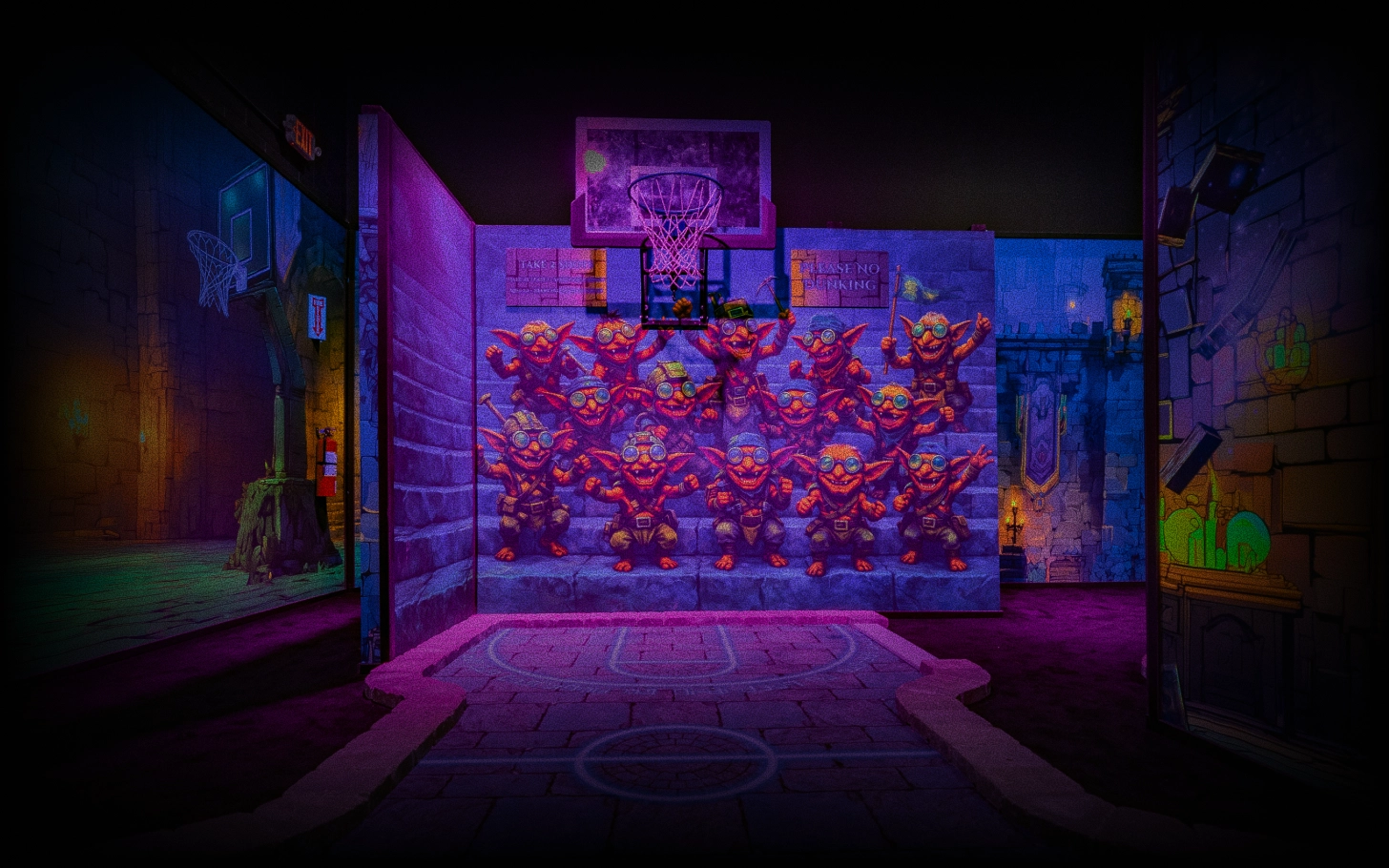
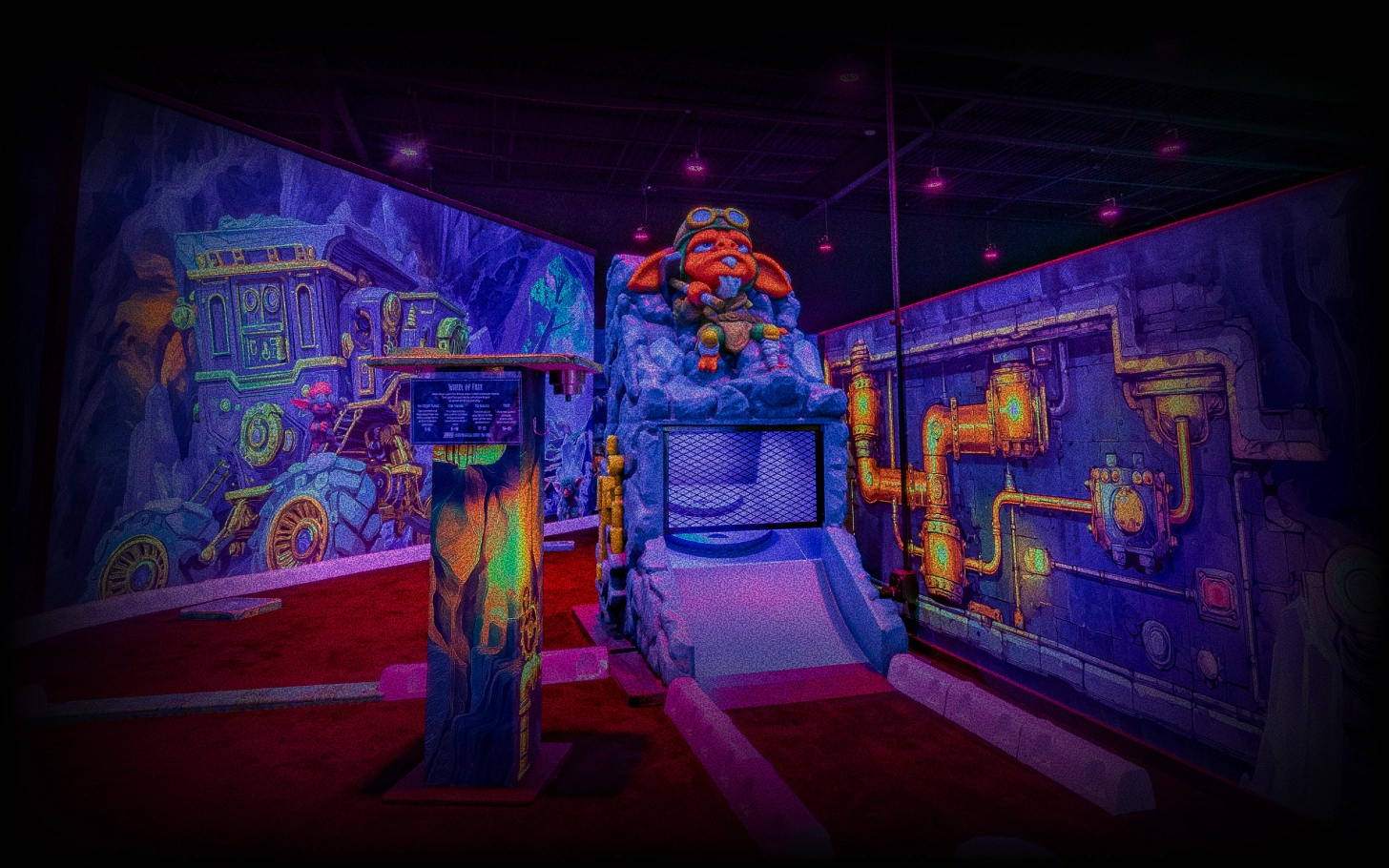
You can play all three of our mythic courses!
Most groups spend 60–90 minutes playing 18 holes, with many guests staying longer to enjoy the arcade, food, and drinks.
Absolutely! Mythic is designed for adventurers of all ages. Whether you're planning a family outing, a date night, a birthday celebration, or just a fun challenge with friends, our fantasy-themed courses offer something for everyone.
Yes! Mythic MiniGolf is a fully indoor fantasy adventure, so you can play rain or shine, summer or winter. Explore three unique themed courses, enjoy our arcade, and relax with food and drinks—all in a climate-controlled environment.
Yes! We serve pizza, sandwiches, desserts, a wide variety of drinks-including adult drinks-and more.
Of course! We are starting our party bookings on August 1st. Go here to book online.
Yes, plenty of free parking is available on-site. Mythic MiniGolf is located at 4500 Western Blvd in Raleigh, and guests can park in the shopping center lot directly outside the venue.
You can manage or cancel your reservation directly through your Roller account. After booking you will receive a confirmation with a link to create your account. From there you can view, modify, or cancel your booking based on the cancellation window set for your reservation.